
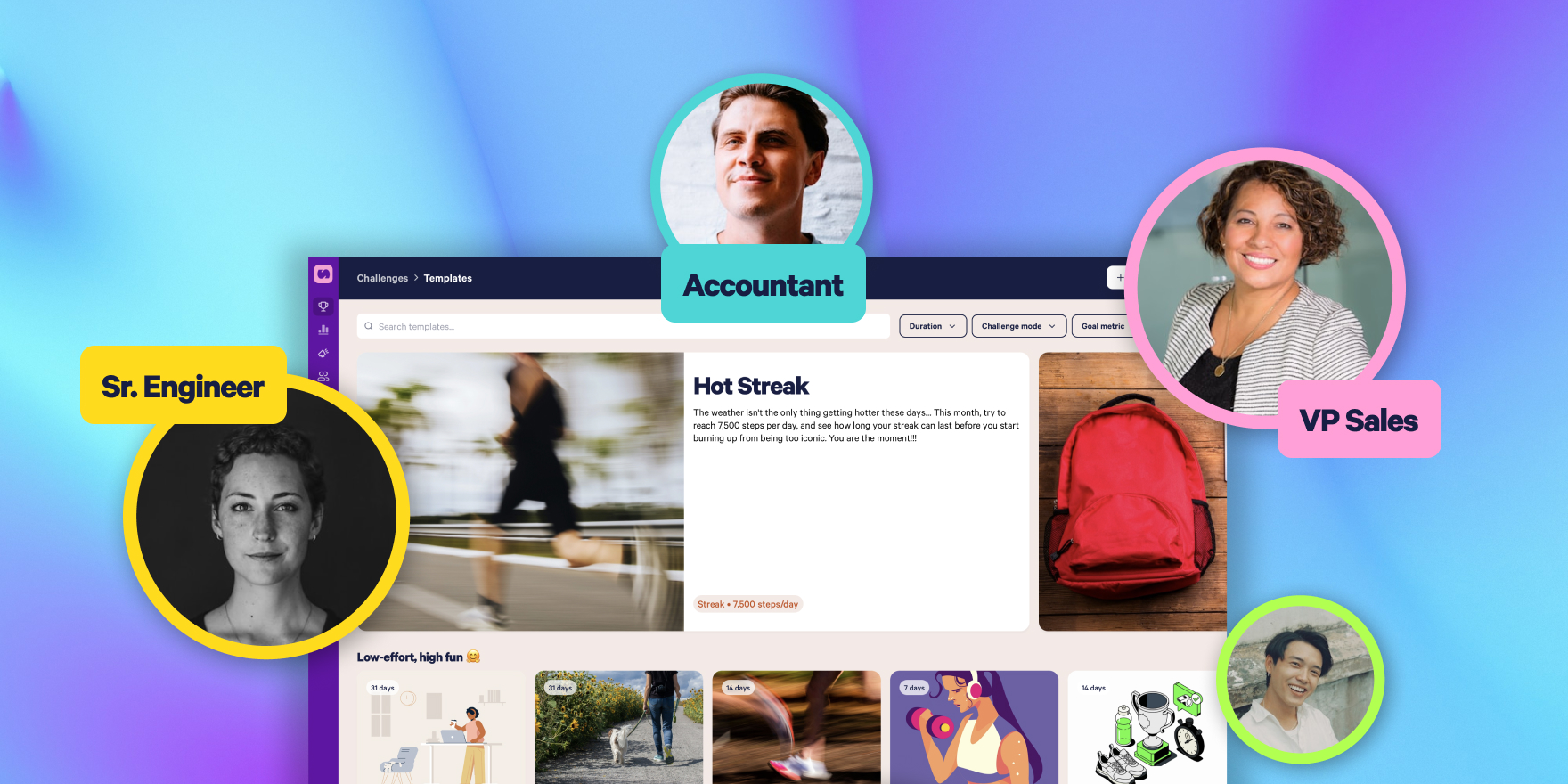
From Product Launches to Customer Summits: 10 Ways Teams Across Your Company Can Use Stridekick
Your next great Stridekick challenge might already be on the company calendar. Explore 10 ways teams can use challenges for launches, events, onboarding, giving campaigns, offsites, and more.
Your next great Stridekick challenge might already be hiding on someone else’s calendar.
Sales may have a kickoff coming up, Marketing could be planning a product launch, Events might be organizing a customer summit, and CSR could already have a giving campaign on the books. Each of those moments is already bringing people together, which makes them a perfect opportunity to add a little more movement, connection, and fun.
Stridekick makes it easy for any team to turn those moments into something people can participate in together. With Challenge Templates and Multi-Admin, teams can start quickly, make the challenge their own, and help manage it without everything falling back on one person.
Who Could Run a Stridekick Challenge at Your Company?

No single team has to run all of these. Invite the person closest to the moment, start with a template, and let them run with it.
10 Workplace Challenge Ideas for Different Teams
1. Product Launch Week
Launch week can be intense, and a short team challenge gives people a reason to step away from their screens without competing with the actual launch.
Owner:Marketing or ProductMode:Team LeaderboardThe idea:Run a seven-day challenge with teams named after product features, launch themes, or departments.
Because Team Leaderboard measures average activity per member, different-sized teams can still compete fairly.
2. Customer Summits
Customer events often involve a lot of sessions, networking, and moving between spaces, which makes them a natural fit for a short Stridekick challenge.
Owner:Events / Customer SuccessMode:Team LeaderboardThe idea:Mix employees and customers across teams and let the challenge run for the duration of the summit.
Employees and customers who are part of your Stridekick community can participate together, which gives attendees another reason to interact between sessions and adds some friendly competition to the event.
3. Sales Kickoff
Sales teams tend to embrace friendly competition, so an SKO is an easy place to create teams based on regions, pods, segments, or offices.
Owner:Sales EnablementMode:Team LeaderboardThe idea:Run a five-day challenge before or during the kickoff.
The challenge should stay light and sit alongside SKO rather than becoming another performance metric. The goal is to give everyone a shared experience, not another KPI.
4. Conferences and Internal Events
Conferences already involve a lot of walking, which makes them an easy opportunity to add a challenge without asking attendees to change much about their behavior.
A Stridekick challenge can work alongside:
- Company meetings
- Industry conferences
- Customer events
- Partner summits
- Leadership conferences
- Multi-day offsites
Owner:Events / MarketingMode:Individual Leaderboard or Team LeaderboardThe idea:Run the challenge for the duration of the event and announce results during the closing session.
Optional reward:You could recognize top finishers on stage or raffle a prize among people who participated consistently throughout the event.
5. Giving and Fundraising Campaigns
Not every challenge needs to be competitive. Giving campaigns are a natural fit for a collective goal where everyone contributes toward the same outcome.
Owner:CSR / Social ImpactMode:Group FundraiserThe idea:Set milestone thresholds based on expected participation and campaign length, so an early milestone unlocks a smaller donation and a later one unlocks the full company goal.
This turns the movement challenge and fundraiser into one shared experience instead of asking employees to participate in two separate initiatives.
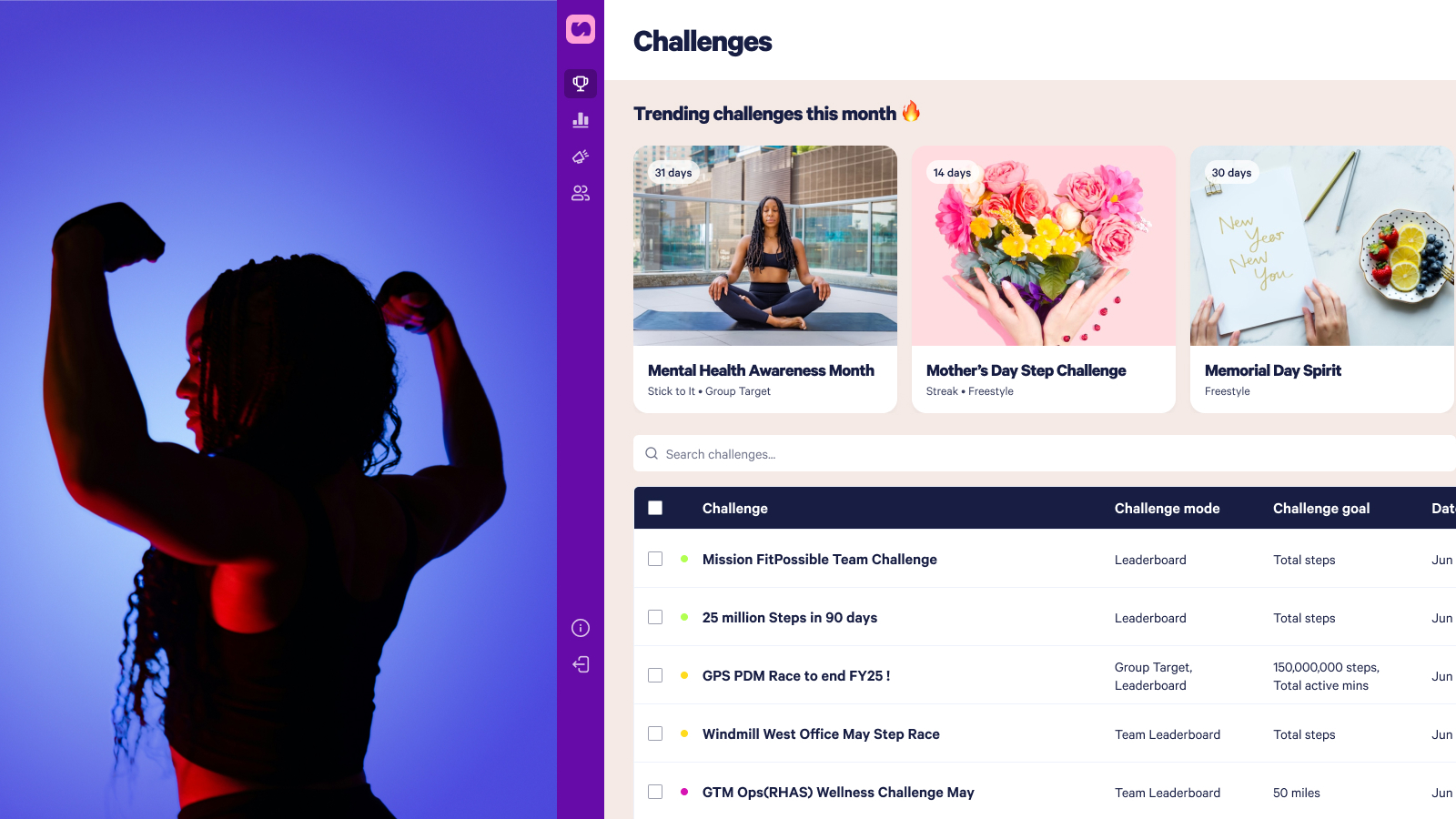
6. ERGs and Heritage Months
ERG leaders already create moments for connection throughout the year, and Stridekick can give their communities another way to participate.
This could work around moments such as:
- Pride Month
- Women’s History Month
- AAPI Heritage Month
- Hispanic Heritage Month
- Veterans Day
- Sustainability initiatives
- Parents and Caregivers communities
Owner:ERG leadsMode:Group TargetThe idea:Run a challenge during the relevant month with a collective activity goal that fits the size of the group.Optional reward:One shared reward can unlock when the group reaches its collective target.
The challenge doesn’t need to become the entire campaign. It can simply add another participation point to something the community is already doing.
7. New Hire Onboarding
New hires get a lot of information during their first few weeks, so giving them something to do together can make onboarding feel more social from the start.
Owner:Talent / OnboardingMode:Stick To ItThe idea:Run a 10 to 14-day challenge with an approachable daily activity goal.Optional reward:Everyone who hits the day-count goal could be entered into a raffle for a team lunch or onboarding perk.
Stick To It counts the number of days someone reaches the goal, which rewards consistency rather than simply favoring whoever records the highest total activity.
If you hire in cohorts, you can repeat the same challenge throughout the year.
8. Office vs. Office
Whether it’s Chicago vs. Denver, London vs. New York, or North America vs. EMEA vs. APAC, a little friendly rivalry can help connect people who may rarely work together.
Owner:Workplace / Regional LeadersMode:Team Virtual RaceThe idea:Give each office or region its own team and race toward a shared virtual finish line.
The route can tie back to your company, your locations, or an upcoming milestone, and remote employees can have their own team too.
9. Team Offsites
If your team has an offsite coming up, you can make the destination part of the challenge.
Owner:Department leadsMode:Group Virtual RaceThe idea:Create a “Road to [Offsite City]” challenge before the trip and see if the team can cover a symbolic distance together before everyone arrives.Optional reward:A raffle among everyone who contributes keeps the focus on participation rather than only the highest performer.
You could also run a shorter challenge while everyone is together onsite, depending on what fits the event best.
10. Benefits Campaigns
Stridekick can still power more traditional wellbeing moments too, especially when it’s built into something employees are already hearing about.
This could include:
- HSA/FSA Savings
- Heart Health Month
- Mental Health Awareness Month
- Benefits enrollment
- Preventive health campaigns
- Summer movement
- Healthy habits
Owner:Benefits / PeopleMode:TargetThe idea:Set an achievable individual goal for the length of the campaign and use the challenge as the participation layer around the larger initiative.
Rewarding goal completion rather than only recognizing the highest activity total can help keep the experience more inclusive.
Need reward ideas for any of these? The Most Engaging Prize Strategy for Every Stridekick Challenge Mode breaks it down mode by mode, while 12 Ways to Keep Challenge Prizes Fun, Fair, and Cheat-Proof covers how to keep rewards fair across a mixed group.
How to Build an Annual Employee Challenge Calendar
You don’t need twelve company-wide challenges. A stronger program can mix a few larger company moments with smaller experiences that different teams own on their own calendars.
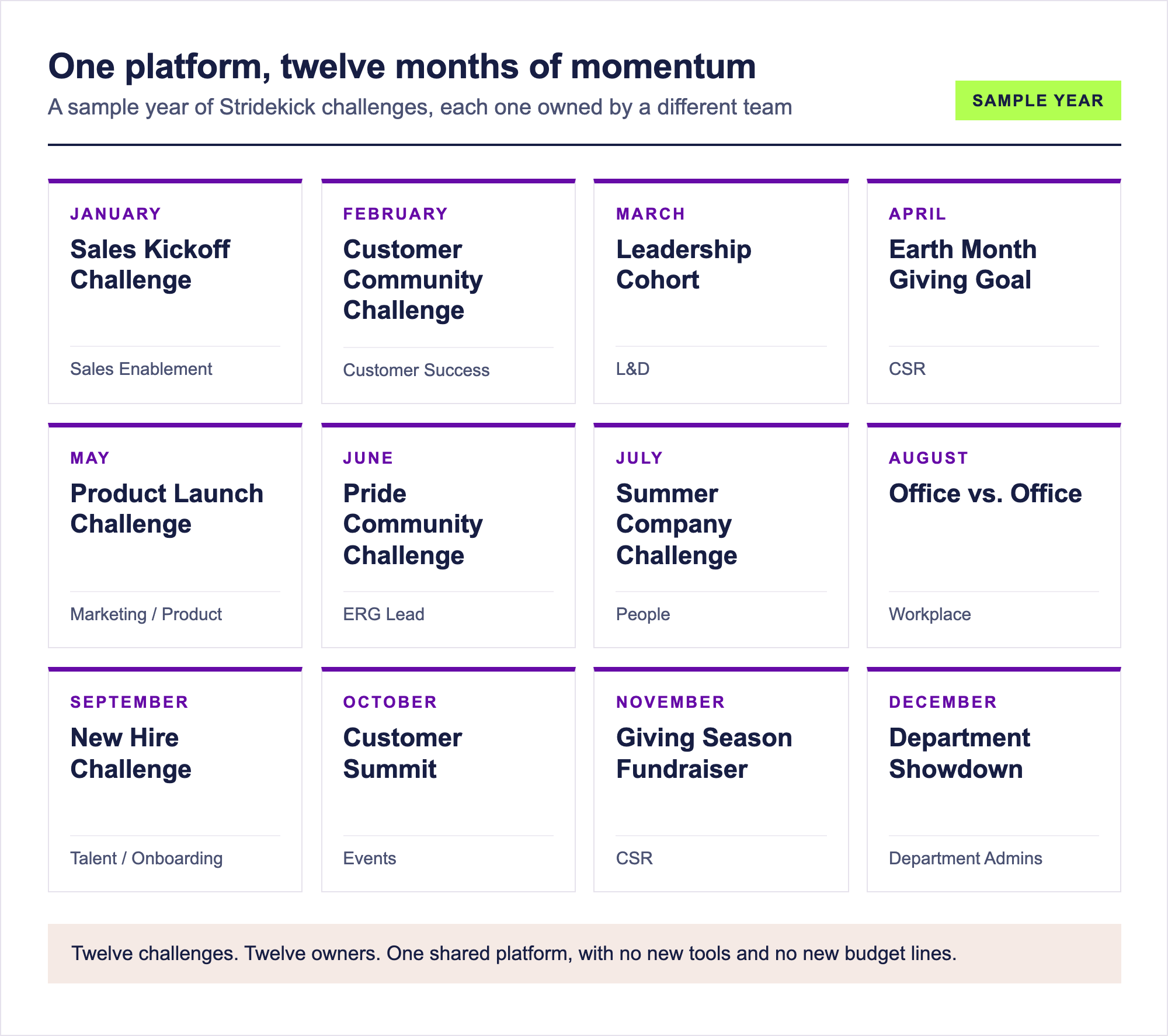
That’s 12 engagement moments. Multiple owners. One Stridekick program.
Your calendar doesn’t need to look exactly like this. Start with what’s already happening inside your organization and look for moments where movement, teamwork, or friendly competition could make the experience more engaging.
How Stridekick Makes Challenge Planning Easy
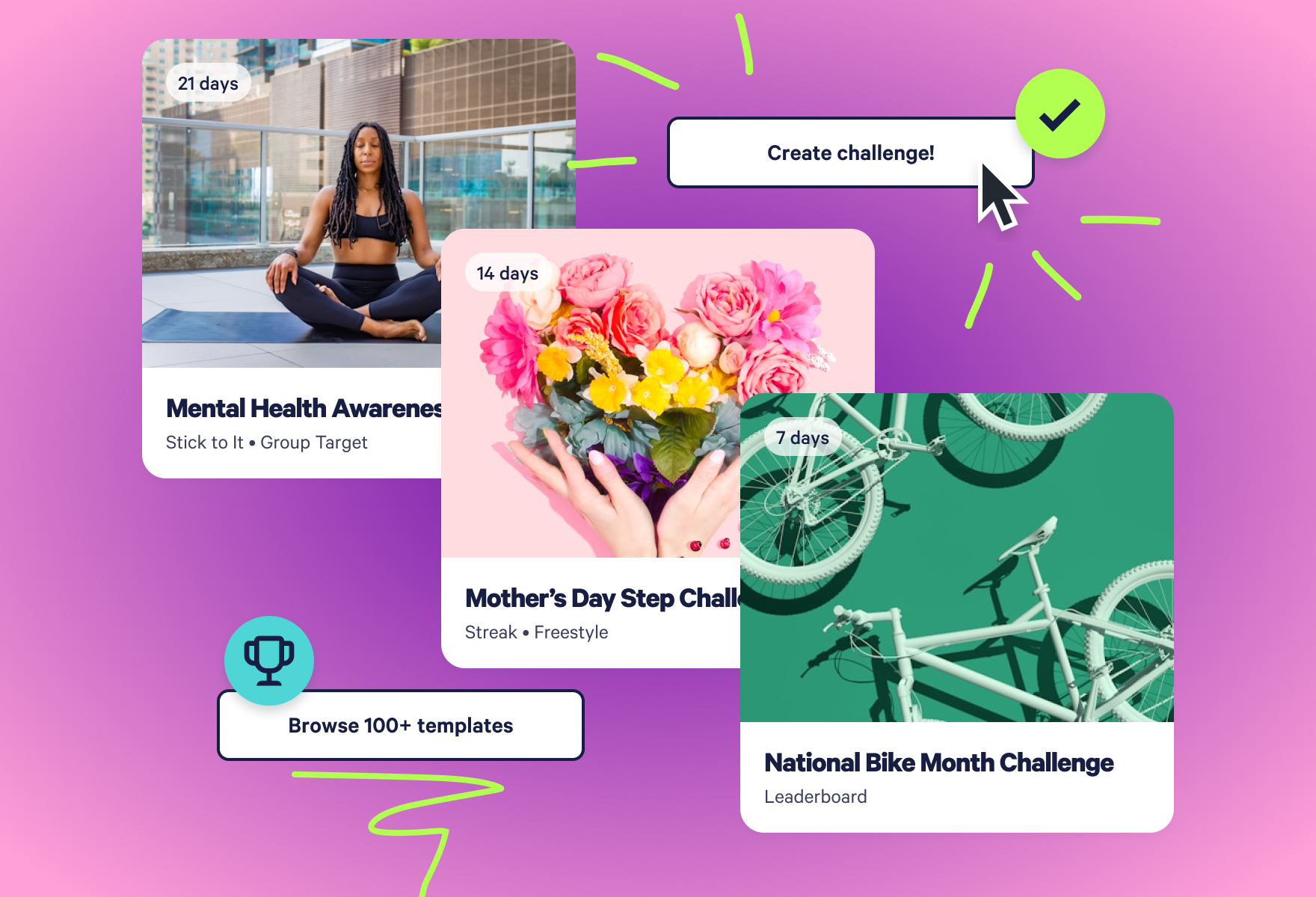
1. Launch Faster With Challenge Templates
Stridekick has 100+ Challenge Templates ready inside SuperDash, so admins can begin with a proven setup rather than a blank page.
Templates can include:
- Challenge name
- Description
- Cover image
- Mode
- Goal
- Metric
- Suggested duration
- Prize strategy
Once you find a template that fits, choose your start date and launch it as-is, or customize the details to better match your team, event, or company culture.
Explore 100+ Challenge Templates
Learn how to use Challenge Templates in SuperDash
2. Share Challenge Management With Multi-Admin
Multi-Admin is what makes a broader Stridekick program manageable.
Instead of every request coming back to one central admin, the people closest to each initiative can help manage their own challenges in SuperDash.
Sales can own the SKO challenge, Events can manage the customer summit, CSR can run the fundraiser, and L&D can take the lead on a leadership program.
Your central owner still has visibility into the broader program, but they don’t have to personally run every challenge.
Learn how to invite an admin in SuperDash

3. Use Stridekick Unlimited Across Teams All Year
Stridekick Unlimited gives organizations room to use the platform in different ways throughout the year.
The same program could support a three-day customer conference, a seven-day product launch, a 14-day onboarding challenge, a 30-day company-wide campaign, a leadership cohort, a giving initiative, or an office competition.
That means different teams can use Stridekick for different audiences and business moments without needing a separate platform for each one.
Participants can join your organization’s challenges with a free Stridekick account, while your Unlimited plan gives admins the tools they need to manage the broader program.
See Stridekick Unlimited plan details
How to Get More Teams Involved in Your Stridekick Program
If you’re already a Stridekick admin, there’s a good chance someone else in your organization is planning a program that could benefit from a little movement or friendly competition.
Send them this:
We already have Stridekick available for our organization, and it can be used for a lot more than our company wellness challenges.
If you’re planning a product launch, sales kickoff, customer event, ERG initiative, onboarding program, giving campaign, team offsite, or something else that could use a little friendly competition, we may be able to build Stridekick into it.
There are 100+ ready-made Challenge Templates, and we can add additional admins to help manage challenges, so you don’t have to start from scratch.
Have something coming up? Send it my way and let’s see what we can build.
The goal isn’t to give one person more Stridekick challenges to manage. It’s to make it easier for more teams across your organization to use the platform in ways that fit what they’re already planning.

Stridekick Challenge Planning FAQs
How many admins can one organization have in SuperDash?
Up to 10 total, including the Owner. Only the Owner can add or remove admins, while admins can create and manage challenges in SuperDash.
Do people joining a challenge need their own paid plan?
No. Participants can join your organization’s challenges using a free Stridekick account.
Can different teams run different challenge modes at the same time?
Yes. Multiple admins can help manage different challenges under the same organization program.
What’s the fastest way to launch one of these?
Browse Challenge Templates in SuperDash, choose one that fits what you’re planning, set the start date, customize any details you want to change, and launch.
Already have Stridekick Unlimited? You may already have everything you need to bring more teams into your program. Log into SuperDash to browse Challenge Templates, invite another admin, and start with the next moment already on your company calendar.