

Reduce your workload: Let anyone at your company be a challenge admin
Let your VP, senior managers or department heads run step challenges with SuperDash multi-admins.
Want to run a wellness challenge, but can’t find the time? You’re not the only one. HR and wellness teams are more stretched than ever.
You're in charge of benefits enrollment, payroll questions, that one annoying thing with the office lease, helping people find a therapist — and you’re somehow expected to also "build a fun wellness challenge that people actually want to join."
Team morale is a real priority, not a nice-to-have. But it's competing with everything else on your plate.
Here's the thing: it was never supposed to be a one-person job. If you're the one who bought the Stridekick subscription, that doesn't mean you have to be the one running every challenge day to day.
The buyer and the person championing the wellness program might not be the same person — and now they don't have to be.
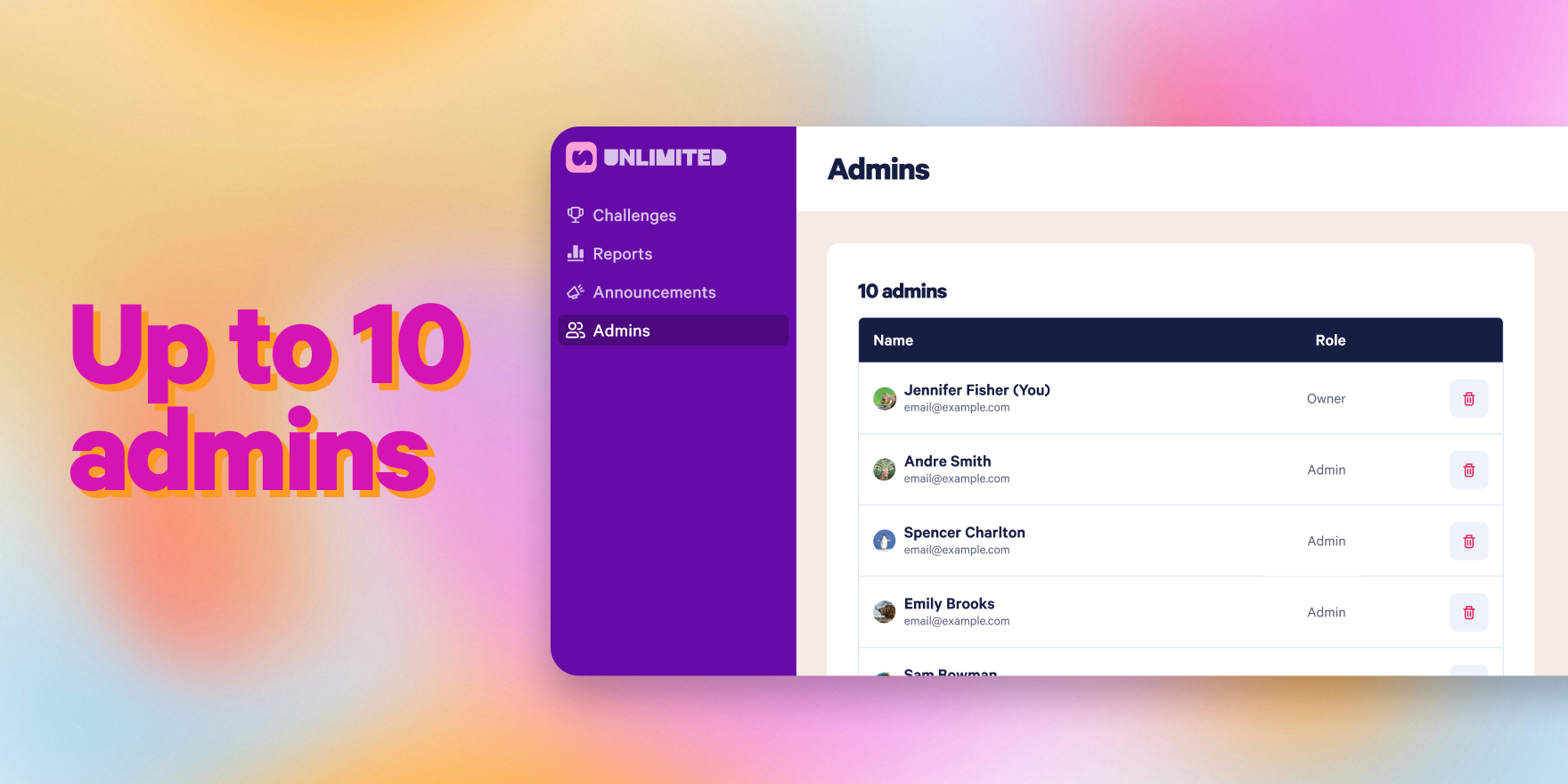
Invite up to 10 admins to create challenges for your group
We believe anyone can run a great challenge, and all the work doesn't have to be on you!
Let the VP of Sales, your Senior Engineer, or that super enthusiastic Accounting Associate be a challenge admin.
Smaller teams can run challenges at any time to pump up morale, gear up for a sales event, or drive energy before a big deadline.
With Invite Admin, you can bring up to 9 teammates in as admins alongside you — 10 total — each with real access to create and run their own challenges, post announcements, and check reports. No looping everything back through you. No waiting on your calendar.
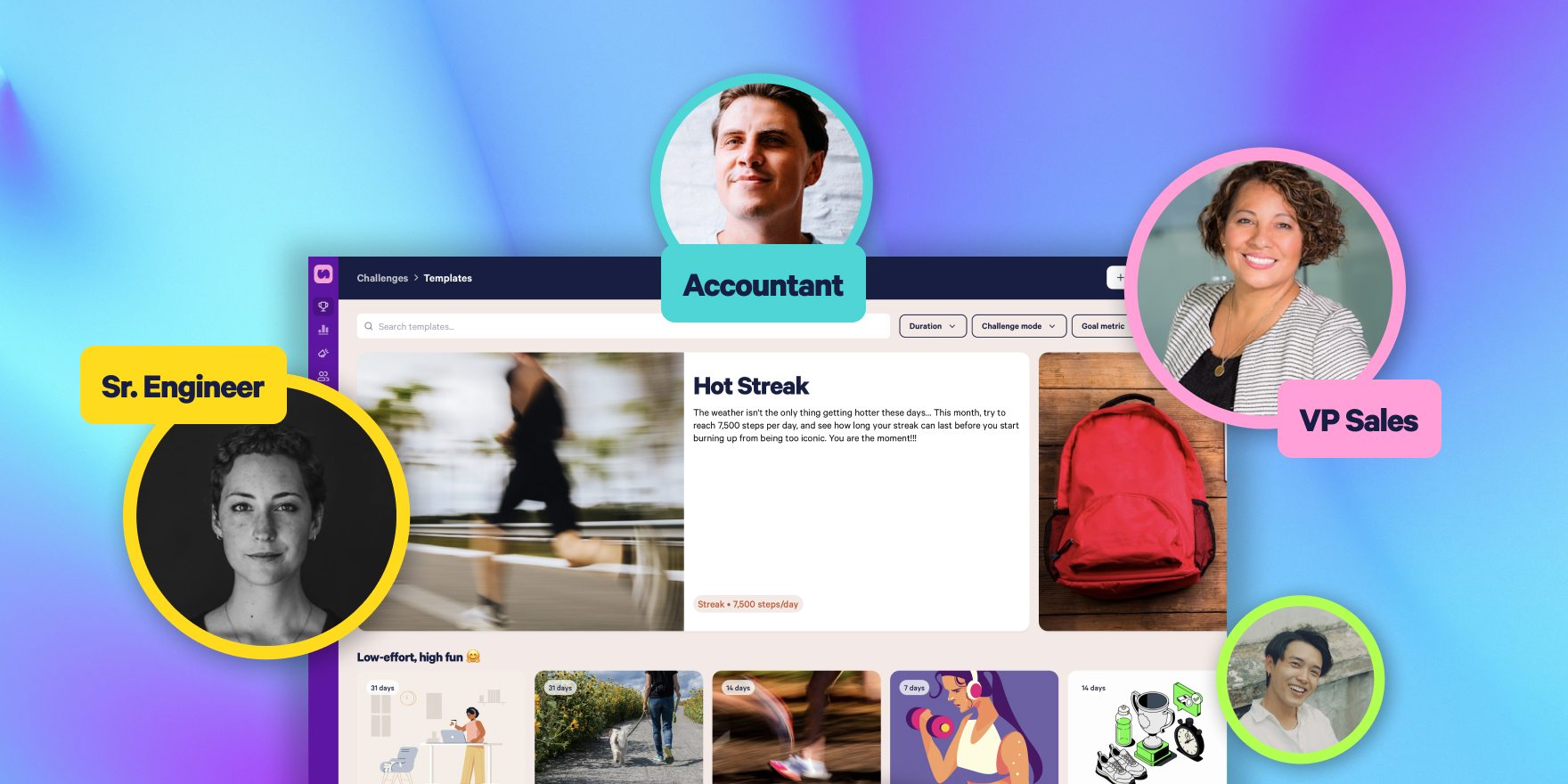
Who should you recruit?
Think about who's already closest to the people who'll actually join a challenge:
- An office champion who's already hyping people up in Slack
- A department lead who knows their team's dynamic better than you ever could
- A regional or team manager who wants to run something just for their group
Invite any of them and they can help launch or manage their own challenge without ever needing you to log in.
What this looks like in Super Dash
- Log into Super Dash as the Owner
- Click Admins in the sidebar
- Click + Add Admin and enter the email your teammate uses for their Stridekick account
- They'll show up as Invited until they log in and accept
That's it. No new subscription, no separate login to manage, no extra approvals needed from you once they're in.
Pro tip to save admins even more time
No need to build a challenge from scratch either. Challenge Templates let anyone pick from 100+ pre-built challenges — the only thing left to fill in is the start date. Between sharing the load and skipping the setup work entirely, running a great wellness program has never been easier.
For the full walkthrough, check out How to Invite an Admin to SuperDash.
Got questions? Visit our Help Center or drop us a line at support@stridekick.com.